Tickr and Tickr Tuner: the metronome and tuner I built because mine kept asking for a subscription
[[]] I’m a bass player, and for years my practice setup was two separate apps: a tuner and a metronome. Neither was bad, exactly, but both had the same shape of problem — the thing I actually needed was either missing or sitting behind a “Pro” subscription. Saving my own tunings for a 4-string and a 5-string bass. A metronome mode that gradually ramps the tempo up instead of me babysitting a BPM field mid-practice. None of that is exotic. It’s the kind of thing that should just be in the free tier, because it barely costs anything to build.
At some point that stopped being a complaint and started being a to-do list. Software is what I do for a living, not just bass — so I built the apps I actually wanted.
Tickr — the metronome
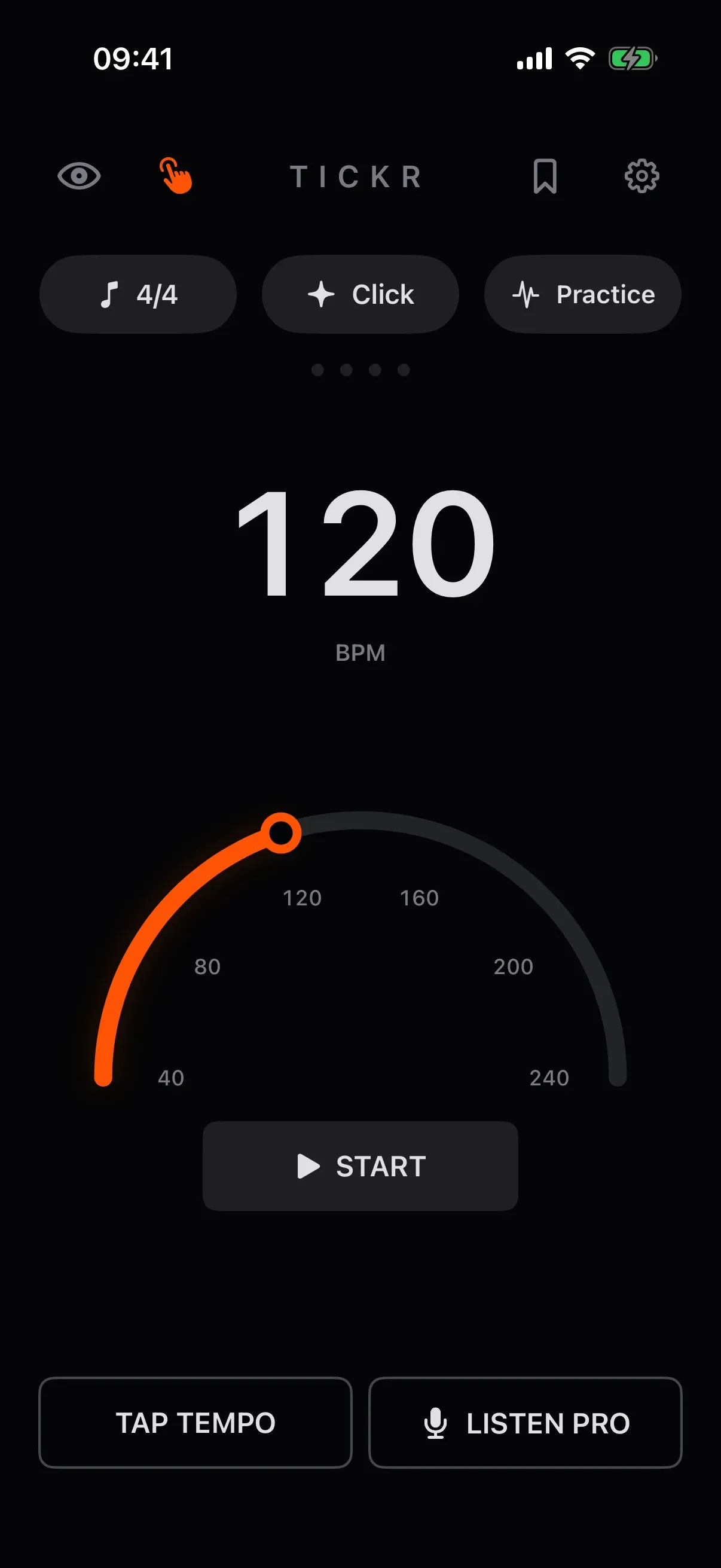
A click that’s accurate isn’t optional, so that came first: a semicircular BPM dial from 40 to 240, tap tempo with outlier rejection, and time signatures beyond the usual 4/4 and 3/4 — including fully custom meters up to 16 beats, with subdivisions and per-beat accents you set yourself.
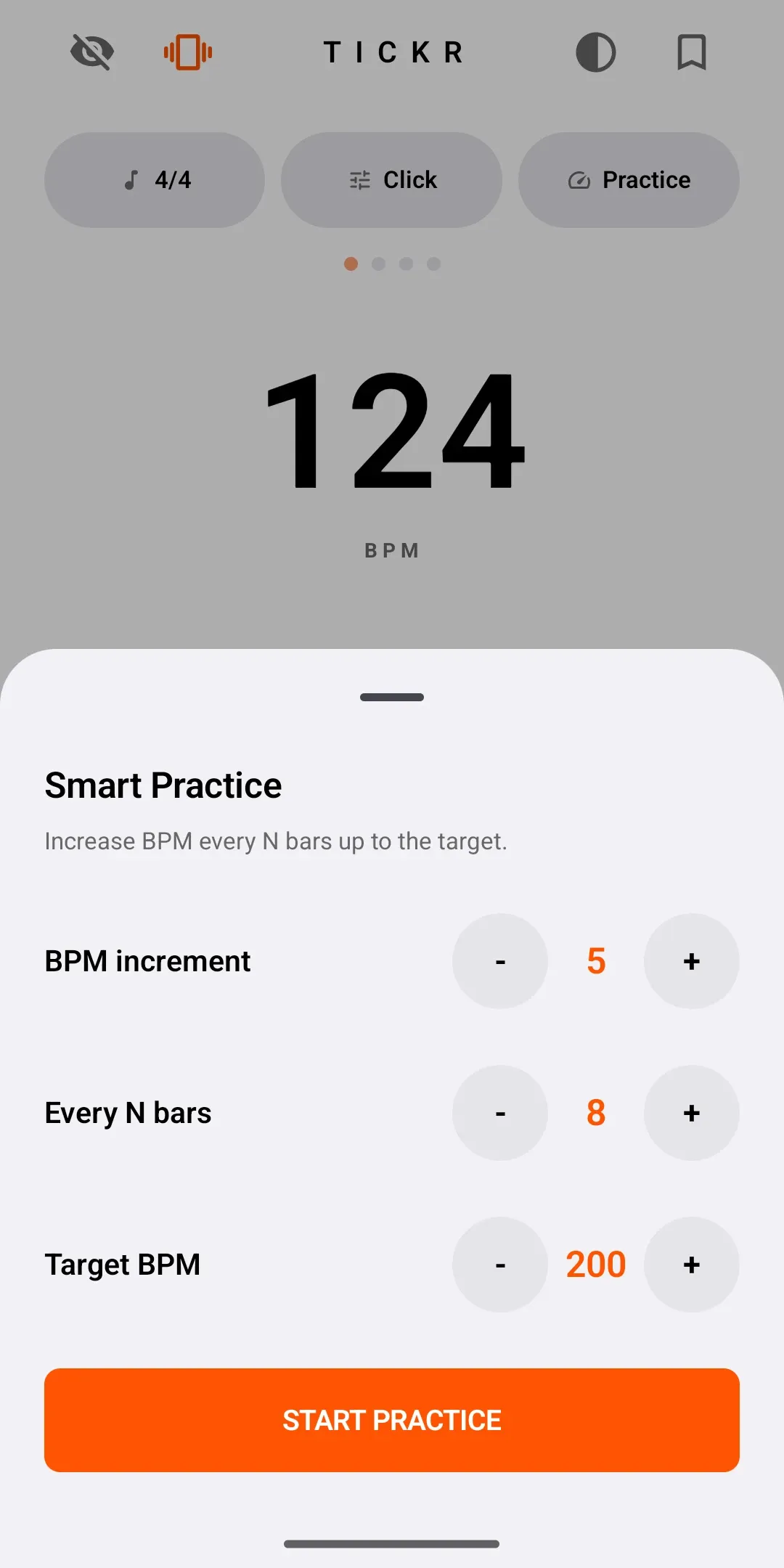
The part I actually missed most from other apps was Smart Practice — auto-incrementing the tempo by a fixed amount every N bars, up to a target BPM. It’s the single most common thing a teacher tells you to do (“start at 80, work up to 120”) and the single most annoying thing to do by hand while also playing.
Tickr can also listen and estimate a song’s tempo from the microphone, in two modes: a fast one for live use, and a slower, more accurate one (Pro) that runs a real on-device beat-tracking model — no audio ever leaves the phone. Either way it shows a confidence level and, when it’s unsure, more than one candidate tempo, instead of pretending to be certain about a number it guessed.
Tickr Tuner — the tuner
This is the one born directly out of my own setup: guitar, bass (4, 5, and 6-string), and ukulele, each with the standard tuning plus real alternates — Drop D, Drop C, Drop A, DADGAD, open tunings, half/whole step down. If what you play isn’t in the list, My Instruments lets you save, edit, and duplicate your own named string layouts instead of fighting a generic tuner into the shape you need.
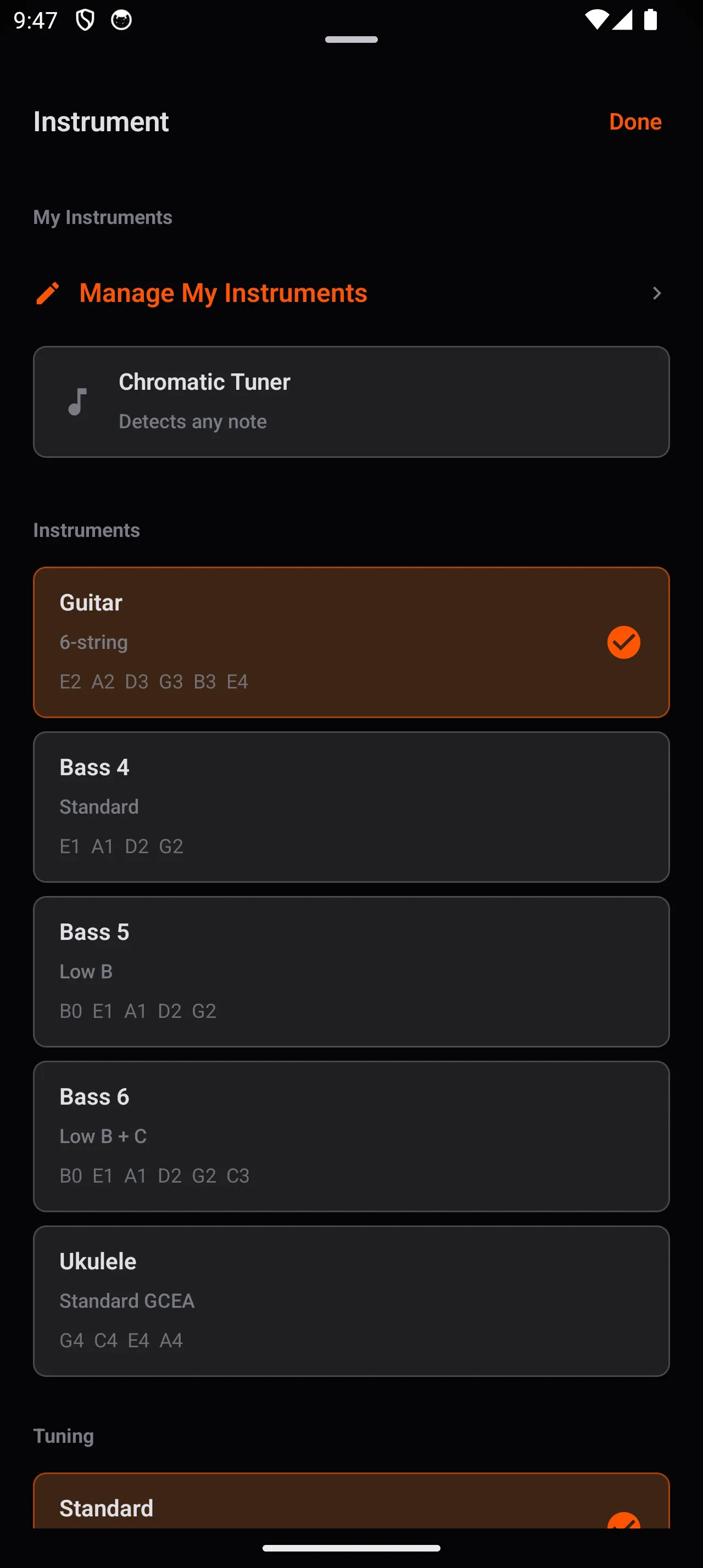
Underneath, pitch detection is YIN with a fallback to MPM when YIN can’t lock on, tuned separately per instrument range — low bass strings get their own harmonic compensation, because a naive pitch detector reliably mistakes a fundamental for its first harmonic down there. There’s also a Chromatic mode that just detects whatever note it hears, for anything outside the presets, a pitch trend graph so you can see whether you’re converging on the note rather than just its instant reading, and a Stage Mode — bigger numbers, screen stays awake, minimal chrome — for reading the meter in a dark venue instead of a quiet bedroom.
Why two separate native apps, again
Same reasoning as THYKO: fully native on each platform (SwiftUI on iOS, Kotlin/Compose on Android) rather than one cross-platform codebase pretending to be both. No accounts, no cloud sync, no analytics — everything, tunings and presets included, stays on-device. Both apps actually started as a single Flutter app each; I rewrote both natively afterward, which is its own story for a later post.
Where things stand
I practice with them daily myself, though the two platforms aren’t at identical maturity yet — the tuner’s iOS build is feature-complete, Android is still catching up to it one feature at a time. Both apps are currently sitting in internal testing on TestFlight and the Play Console, not public yet. Getting them store-ready is less about writing more features and more about having people other than me actually use them and tell me what’s wrong.
If you’re a musician and want to try either one before they’re public, I’d genuinely value the feedback — tell me which platform you’re on and roughly what you play, and I’ll add you to the testing track: